Face Grouping Graduation Conference Guide
面向毕业照、会议照、团建照、活动跟拍等集体拍摄场景,说明如何先建立人脸数据,再在人脸相册中按相似人脸归类,限定活动文件夹、调整阈值、复核误分,并把每个人的照片导出成文件夹。
Practical guides for finding similar images, pose-based search, filtering by color, removing duplicates, and finding people.

面向毕业照、会议照、团建照、活动跟拍等集体拍摄场景,说明如何先建立人脸数据,再在人脸相册中按相似人脸归类,限定活动文件夹、调整阈值、复核误分,并把每个人的照片导出成文件夹。

面向灯饰、灯具、照明报价表和产品清单,说明如何把 Excel 表格里的灯具图片入库,使用以图搜图找相似款,并在结果列表中查看工作表、表格位置、型号、规格、材质、单价等同行内容。

面向只有一小块局部图、书籍封面局部、图画细节、设计截图片段或商品纹理的场景,说明如何先把参考图真实裁成局部,再用「局部·点集」策略找回图库里的完整图片。

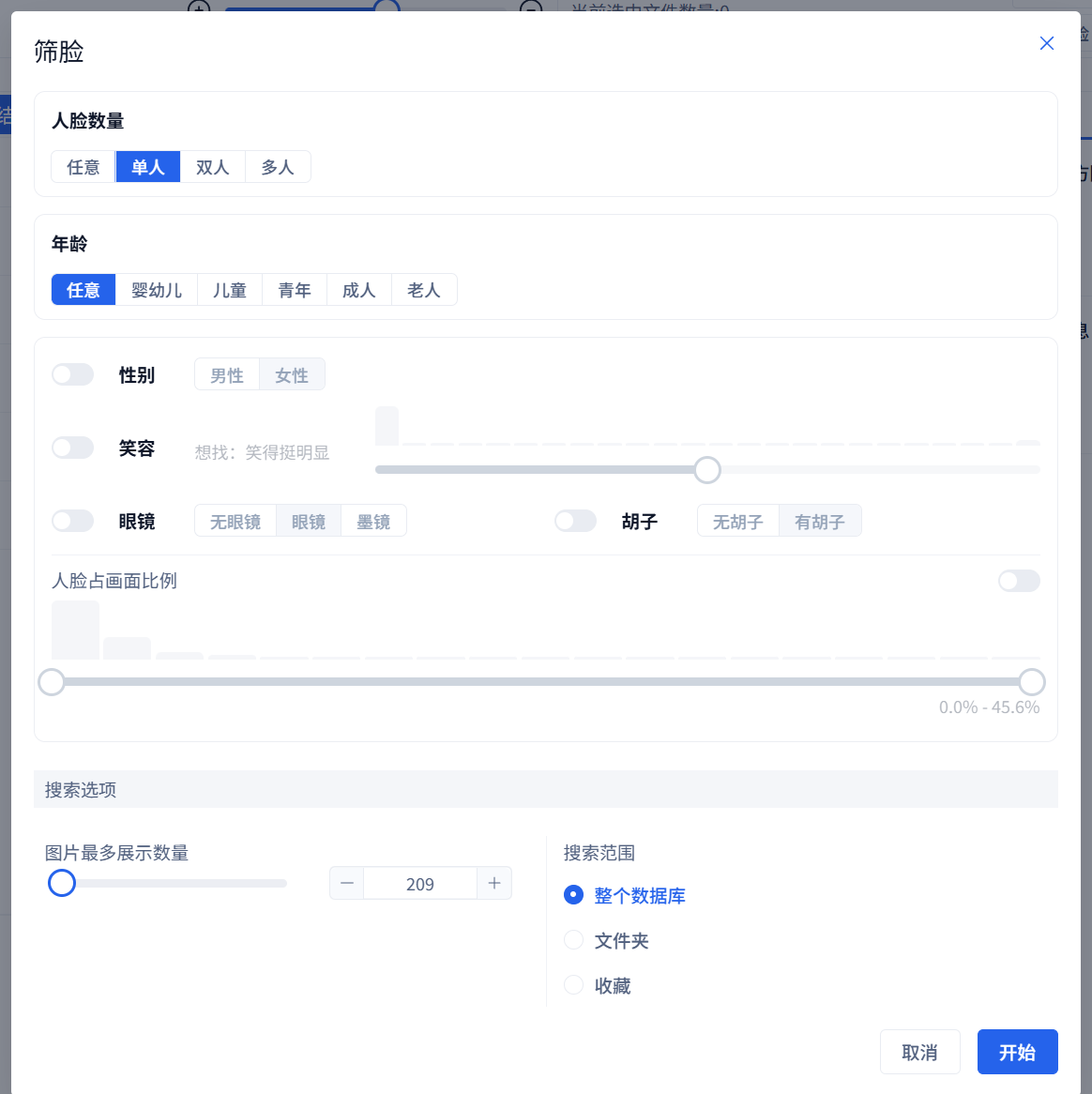
不需要参考人脸图片,直接按人脸数量、年龄段、性别、笑容程度、眼镜、胡子和人脸占画面比例筛选图库中的人像照片,并可限定数据库、文件夹或收藏范围。

For brand colors, same-tone material, and visual-style organization, view dominant colors, use color search, combine color labels and list filters, and export results for designers.

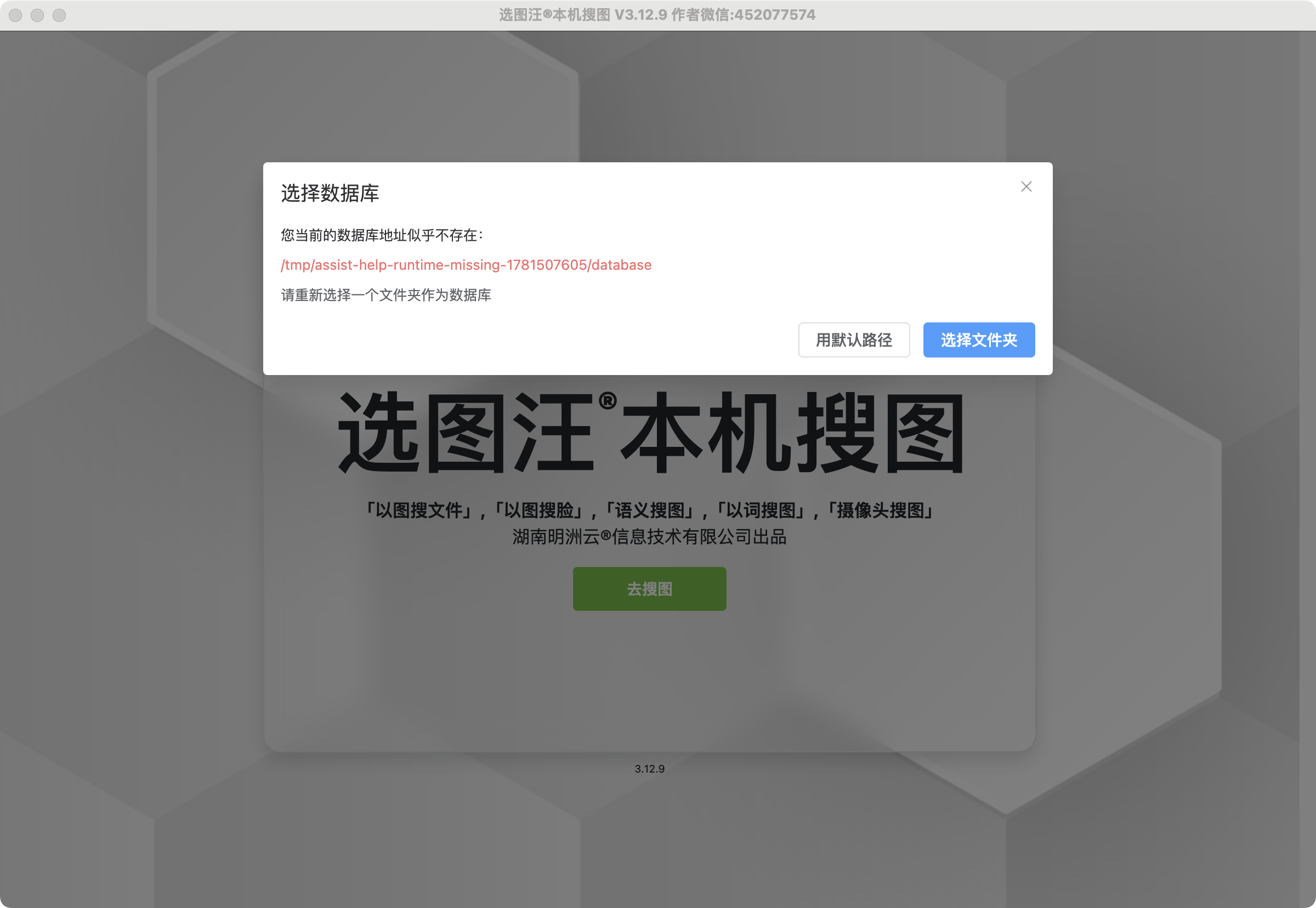
For new computers, new drives, or old material libraries, back up the database, migrate the database location, handle missing paths, confirm statistics, refresh source paths, and repair database.db only when damaged.

When image, pose, semantic, face, or color search has no results, troubleshoot database statistics, task progress, search scope, filters, strategy data, and default settings step by step.

Create a project-specific collection, add results from multiple searches, filter and browse within the collection, manage naming, and export a deliverable material package.

For event, client, employee, or portrait libraries, generate face data, use face search and face albums, set scopes, review results, and export photos by person.

For screenshots, poster crops, or revised design images, use paste search, cropping, background removal, color strategy, and result filtering to recover the original image or find similar material.

Turn an unclear image request into subject, scene, color, and use-case terms, run semantic searches, narrow with scope and filters, collect candidates, and export deliverables.

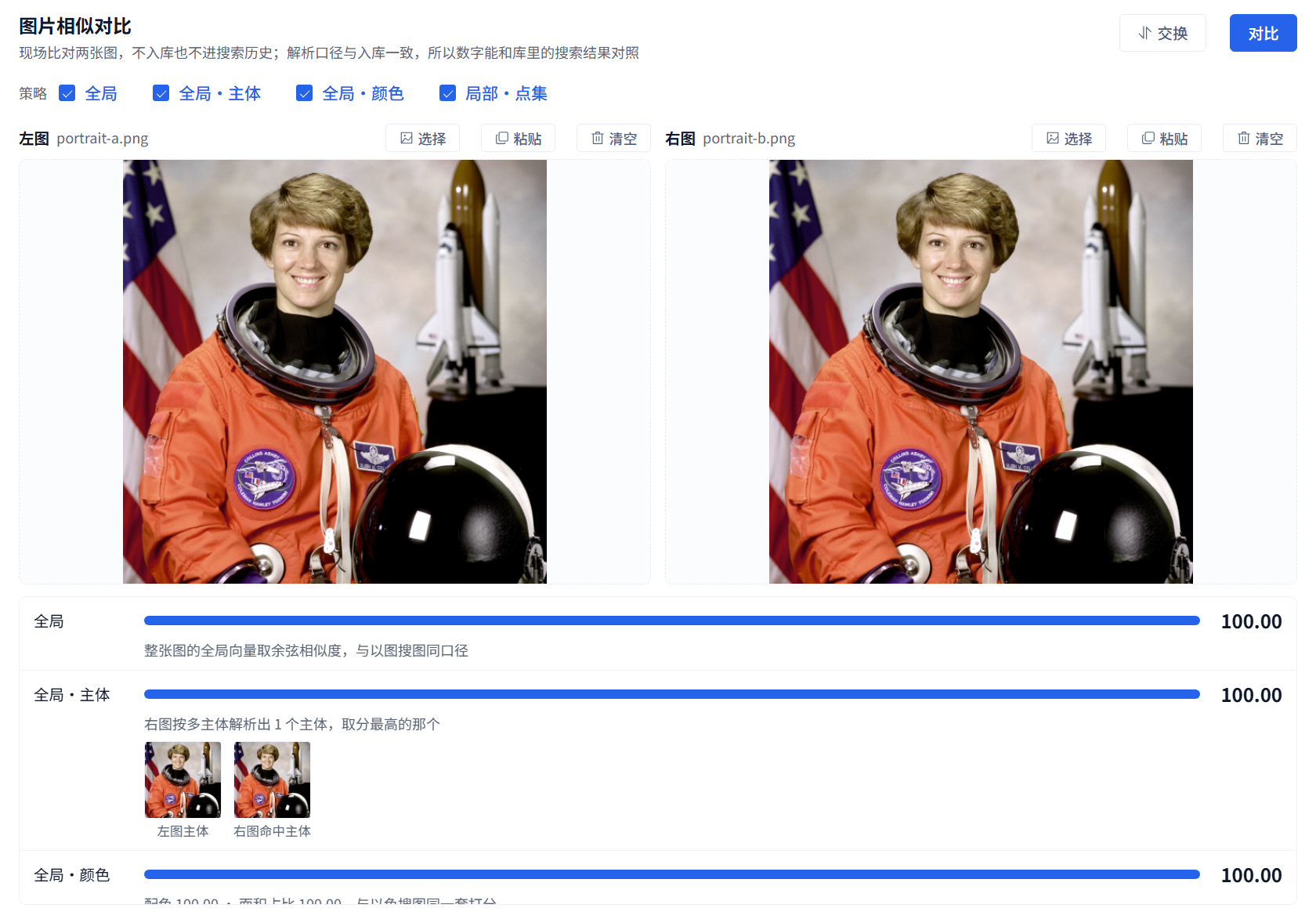
Use one reference image to search similar material, crop the target when needed, limit the search scope, review results, and add matches to a collection or export them for delivery.

A complete first-use workflow: enter the workspace, handle database and spreadsheet prompts, add a material folder, watch indexing progress, confirm database statistics, and run your first similar-image search.

介绍搜图工作台内的人物管理面板,说明如何从未命名人脸合集开始,为人物命名,浏览已命名人物,管理单个人物下的人脸,并处理误分、合并、忽略和删除等整理动作。

介绍姿势搜图的核心价值、两种发起方式、朝向和构图控制、搜索结果解读,以及适合活动照、模特图、运动舞蹈和参考动作素材整理的使用场景。

用手机或平板打开主机联机入口后,登录从机成员账号,在移动端完成以图、人脸、语义、颜色搜索,浏览图库、查看详情、收藏和再次搜图。

A maintenance workflow covering database status checks, refresh after file changes, index rebuilds when search is abnormal, task progress, backup or migration, and repair for damaged database.db files.

For events, reception, or portrait checking, choose a USB camera, configure search scope and frequency, review live results, capture photos, and verify hit records.

For many reference images at once, enter batch search, choose search type and scope, review each row of matches, expand more results, and export the whole matching set.

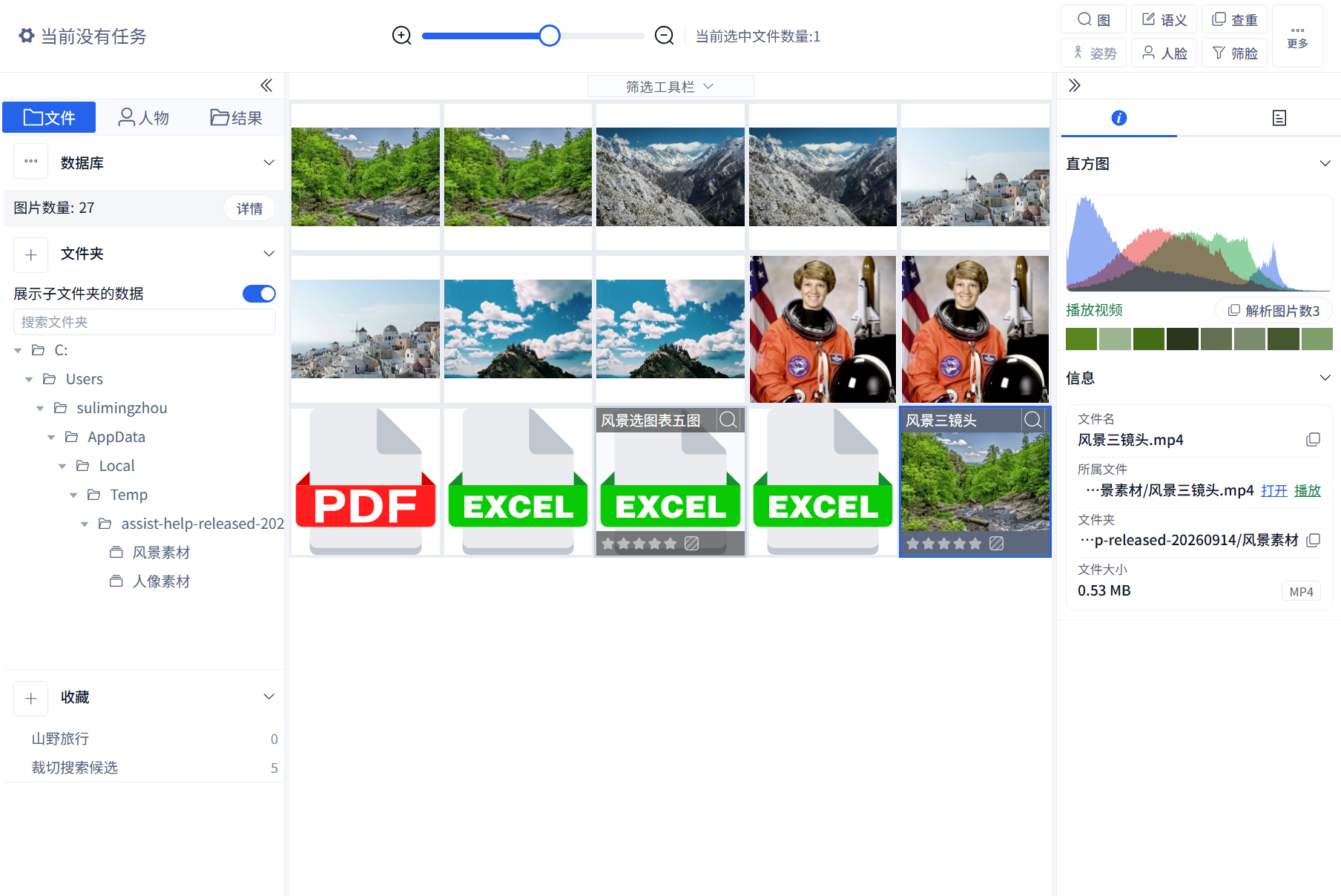
For folders containing images, Excel, PDFs, videos, screenshots, and subfolders, prepare the environment, add the root folder, wait for parsing, review extracted images, add search data, and refresh later changes.

Enable duplicate detection, prepare duplicate data, choose a database, folder, or collection scope, review duplicate groups, and distinguish between removing, deleting, and removing from collections.