
Compare the Similarity of Two Images
Compare two images directly using global, subject, color and local-keypoint strategies without importing them first.
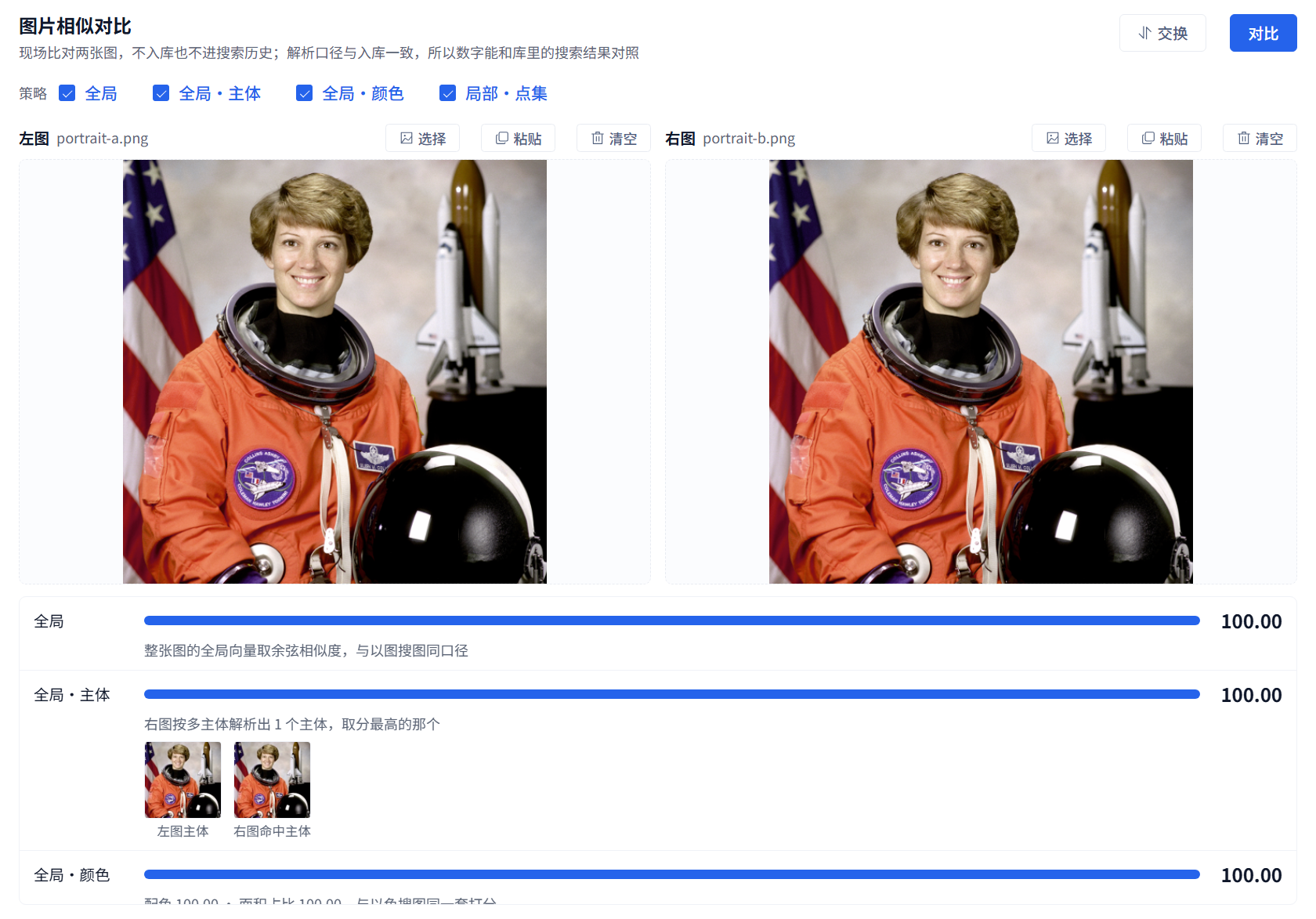
Compare two images directly using global, subject, color and local-keypoint strategies without importing them first.
Available in 3.13.31 and later. Use Image similarity comparison when you already have two candidate images and want to compare them without importing them.
Compare
Open Tools → Image similarity comparison. You can also bring a selected workspace image from its detail panel. Choose, drop or paste one image on each side, select at least one strategy, then click Compare. Scroll the result area to see all strategies.
This example deliberately uses two copies of the same photo; all four results are 100.00. It demonstrates the controls, not performance on different photos. The sample is the NASA astronaut image distributed with scikit-image.
Interpret the results
Global compares the whole image. Subject compares detected subjects and shows the crops used. Color compares colors and their proportions; similar colors do not establish the same product. Local · Keypoints shows matching features, but its two-image score is not equivalent to ranking in a library search.
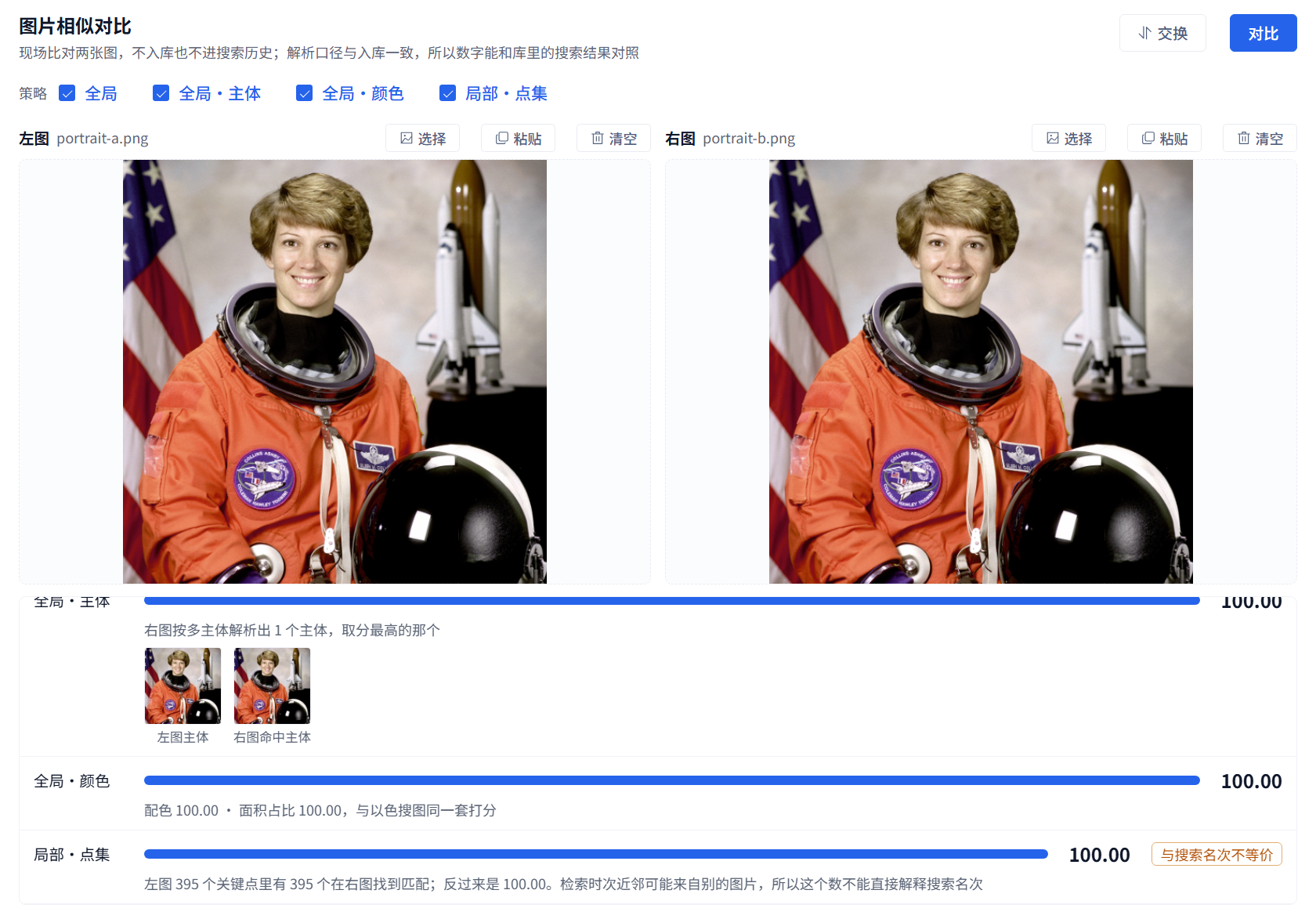
The strategies measure different things. Check image details as well as scores. After swapping or replacing images, run Compare again. A failed strategy is not a zero similarity score. This operation neither imports files nor adds search history; use workspace image search to find candidates in the library.