
Database Repair Settings: Batch Size
Adjust repair batch size in Database settings; changing this option does not start a repair.
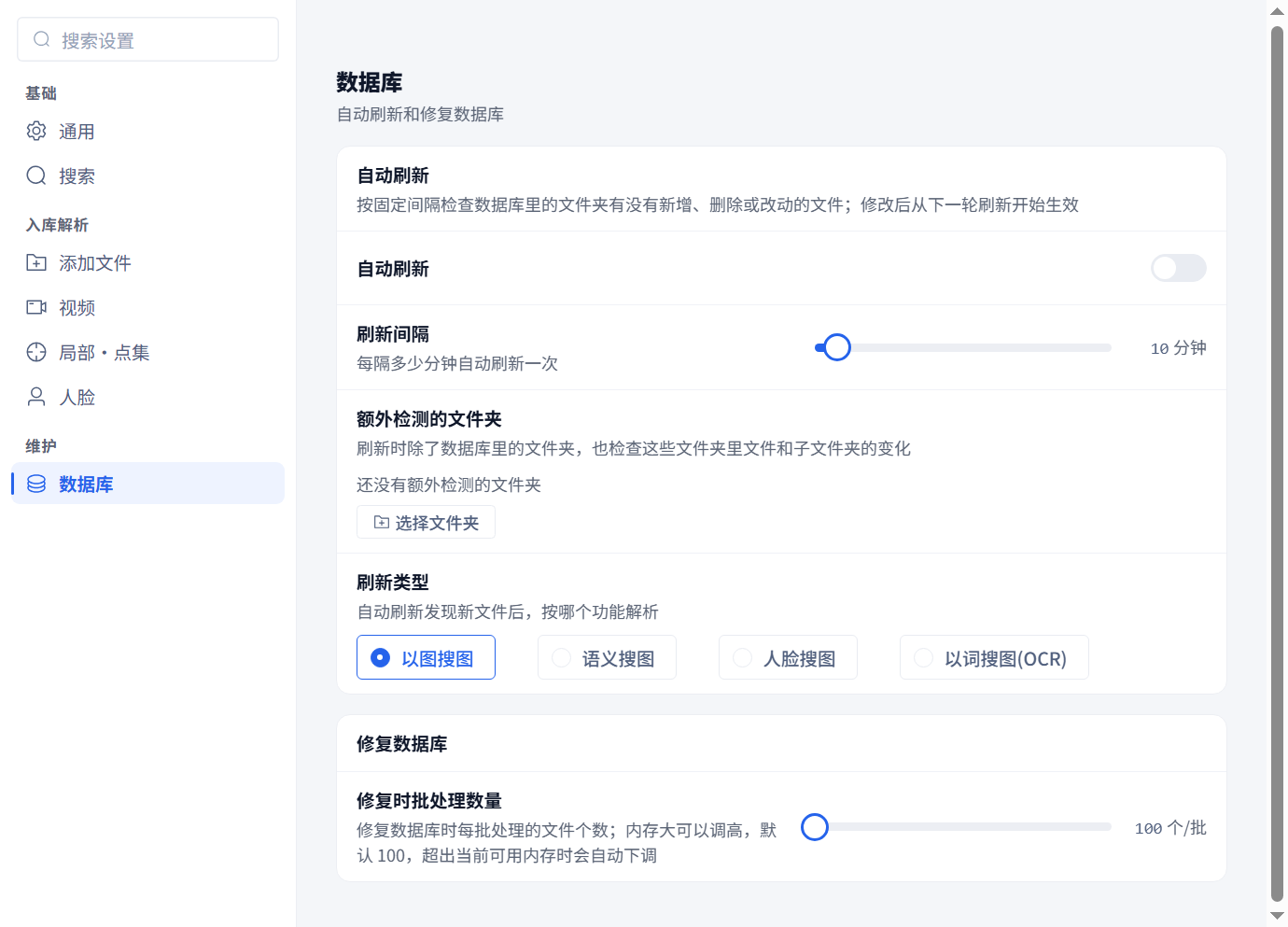
Adjust repair batch size in Database settings; changing this option does not start a repair.
Open Settings → Database and scroll to Database repair, or search for repair batch size.
The setting accepts 100–80000 files per batch in steps of 100, with a default of 100. If you previously increased it, reduce it when memory is tight; 100 is already the UI minimum. The software can also lower the actual batch when available memory is insufficient. A larger setting does not guarantee faster processing. If the default still strains memory, reduce concurrent heavy work and narrow the repair scope.
Changing the option does not start a repair or recover a damaged database file. Start the required repair from the workspace and choose its capabilities and scope. Follow the damaged-database recovery flow when database.db is reported as corrupt.