
Reset the Remote Connection Link
Reset the remote connection link when it was shared with the wrong person, exposed, or needs rotation.
Assist Local Image Search Team2026-09-153 min read
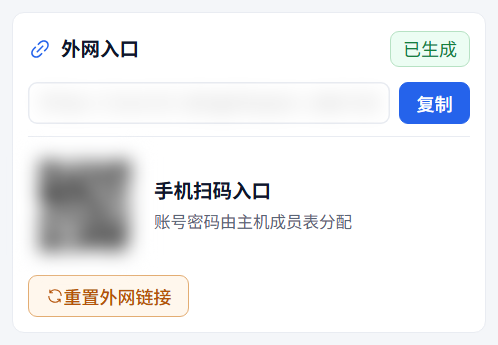
Reset the remote connection link when it was shared with the wrong person, exposed, or needs rotation.
The remote entry is used when a client is not on the same LAN as the host. Reset it if the link or QR code was exposed or should be rotated.
Steps
- Open Connection Settings on the host.
- Switch the entry mode to remote.
- Wait until the remote entry is ready.
- Click "Reset Remote Link".
- Confirm the action.
- Copy the new link or share the new QR code.
Impact
- The old remote link becomes invalid.
- Clients with saved old links need the new link.
- This action does not rotate the LAN entry.
- Member accounts are not deleted automatically.
- If a user should no longer connect, disable or delete the member too.
Common Cases
- If remote mode is unavailable, the current build does not enable remote connection.
- If the button is disabled, wait until the remote entry is generated.
- If the new link is not visible immediately, reopen Connection Settings or refresh after a moment.
- A success message with a warning that the new link is not active still requires waiting and checking the new address. Test that address on the client; do not keep distributing the old link.
- Resetting the link does not keep the host running. Closing the host app prevents access through either entry.