
View Version, Connection, and Product Information
Use the About page to check the app version, local brain connection, assist protocol status, publisher, website, and support contact.
Assist Local Image Search Team2026-09-152 min read
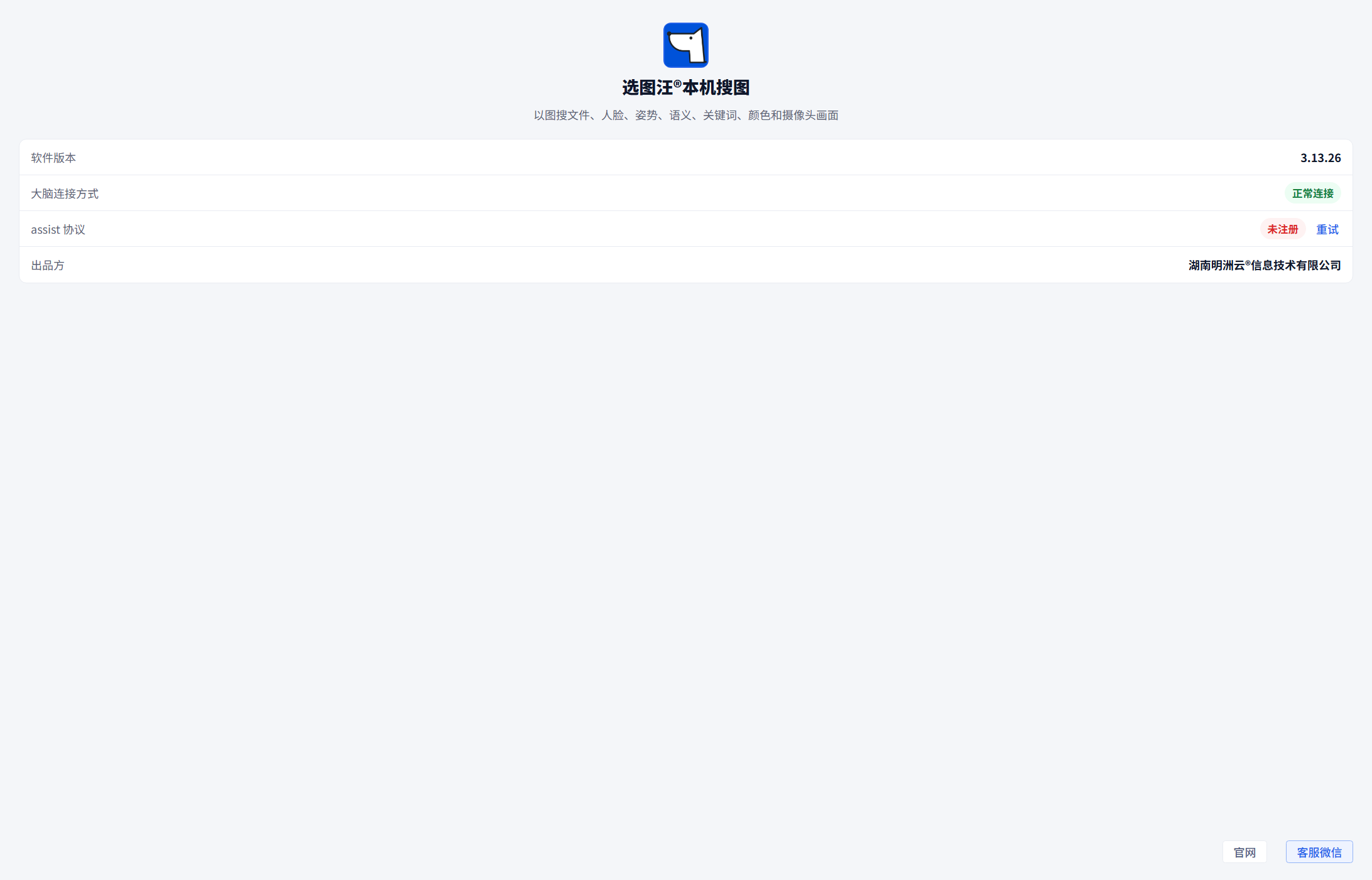
Use the About page to check the app version, local brain connection, assist protocol status, publisher, website, and support contact.
The About page now shows current product and connection information.
Steps
- Open Help → About from the app menu.
- Check the software version and local brain connection mode.
- Check whether the
assist://protocol is registered; use Retry when registration failed. - Review the publisher, open the configured website, or view the support WeChat contact.
Common Cases
- Connection may briefly show Checking while the page loads.
- If the local brain shows Disconnected, check whether the workspace opens. If the problem remains, record its time and error and package logs before trying a restart.
- Compatibility Connection is an alternative connection method, not proof that image search is unavailable. It does not provide the LAN client entry; check Connection Settings for available modes.
- OEM builds display their own configured name, logo, publisher, website, and support contact.